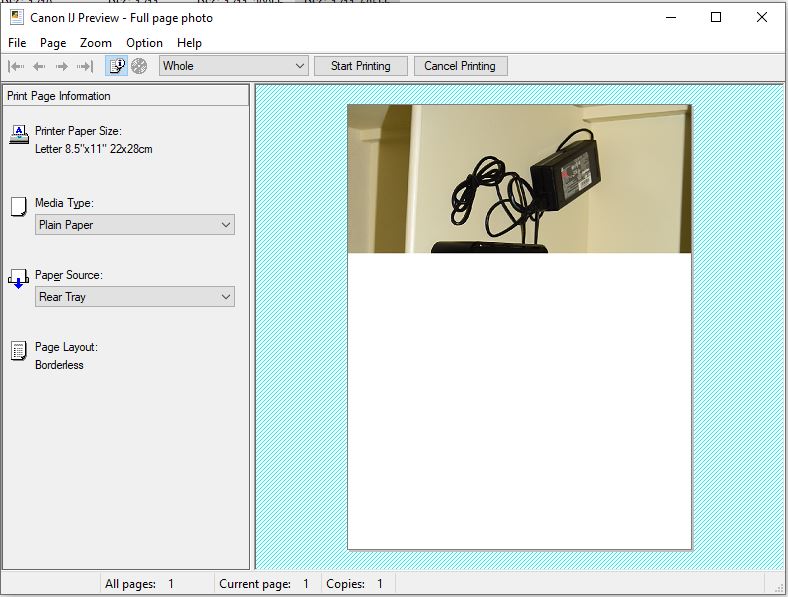
Maybe Microsoft is to blame? An update to Windows 10 has caused many print problems. I also have got the problems with a large part of a print missing, so I have collected links and made a couple of scans as I intended to start a thread about the problem.
A week ago I noticed an article on druckerchannel.de about an
update that could cause a blue screen when ordering a print job. I have also noticed a couple of druckerchannel forum posts about the problems caused by this update.
See this and
this. I would have used Google Translate, but there seems to be a problem with links from Google Translate and druckerchannel.de. The translation works if you insert the links in Google Translate yourself.
I searched the web and found the cure is to uninstall the update causing the problem.
See this and this. Microsoft knows about the problem and is working on a solution. A temporary fix is uninstalling the update or make a system roll-back. See this.
Here is a scan of a well known test image printed in A4 format using a Canon iP4300, click to enlarge:
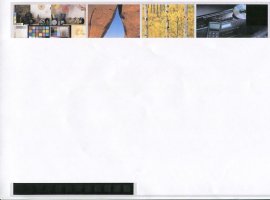
The error is independent of the printer used, An HP Laserjet 1018 produces the same error but of course in B/W.
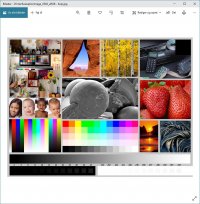
Text files like a Word document and .PDF files are not affected. If I double-click an image and select print from this window everything is normal, but settings are very limited, click to enlarge:
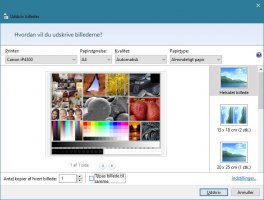
I normally right-click an image and select print, this is the good old Windows way which has access to more settings. Sadly this does not work after the update, click to enlarge:
Another work-around is to print from an image handling program like the free "Irfan View". this works but is not as flexible as the "Old Windows method" with the right-click.
I uninstalled the update and every thing was fine for two days. Then windows update had reinstalled the update! I'm now waiting for Microsoft to solve the problem and release a patch/new update.